If you feel like you're drowning in a sea of software subscriptions, you're not alone. The constant pressure to use a different tool for scheduling, another for analytics, and three more for content creation is leading to a major industry problem: social media marketing tools fatigue. This isn't just about feeling overwhelmed; it's a direct path to social media marketing burnout.
Just as consumers experience ad fatigue from seeing the same ad too many times, marketers are burning out from juggling too many platforms. The social media fatigue definition in a professional context is this state of exhaustion from managing a complex and inefficient tech stack. Fortunately, there is a clear path to fix it. This 3-step plan will help you simplify your workflow and regain your sanity.
Part 1: Step 1 Diagnose the Symptoms
1. Identify Your Social Media Fatigue Symptoms
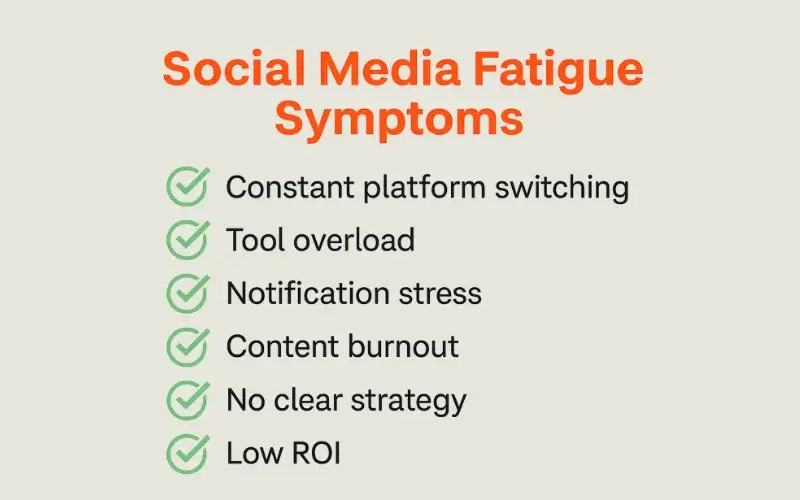
First, you need to confirm you have the problem. The social media fatigue symptoms for a marketer are clear:
- You pay for multiple tools that do the same thing (e.g., two different schedulers).
- Your performance data is scattered across five different dashboards.
- Your team spends more time learning new tools than doing creative work.
Therefore, if these points feel familiar, you have tool fatigue.
2. List Every Tool and Its Core Function
Next, open a spreadsheet and list every single social media tool you pay for. Create two columns: one for the tool's name and one for the single, primary job it does for you (e.g., "Post Scheduling," "Hashtag Research," "Video Editing"). This simple act often reveals just how much overlap and redundancy you have.
Part 2: Step 2 Consolidate Your Tech Stack
3. Choose Your "All-in-One" Platform
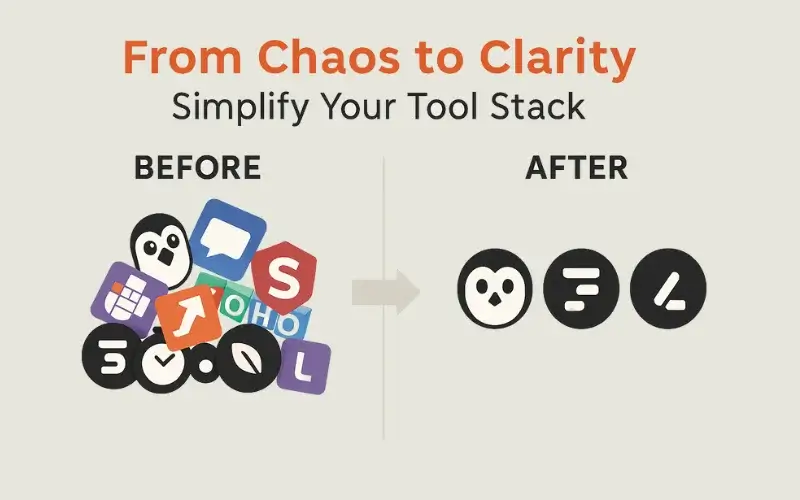
Now, it's time to consolidate. The goal is to find one or two "all-in-one" platforms that can handle 80% of your tasks. Look for tools that combine scheduling, analytics, and community management into a single dashboard. For instance, platforms like Buffer, Sprout Social, or Hootsuite are designed for this purpose.
4. Eliminate Redundant Subscriptions
Once you have your core platform, it's time to be ruthless. Look at your spreadsheet from Step 2. If your new all-in-one tool can do the job of three other apps, cancel those three subscriptions. Indeed, this is the hardest part, but it's the most crucial step for ending the financial and mental cost of social media marketing tools fatigue.
Part 3: Step 3 Simplify Your Workflow
5. Create a Single Source of Truth
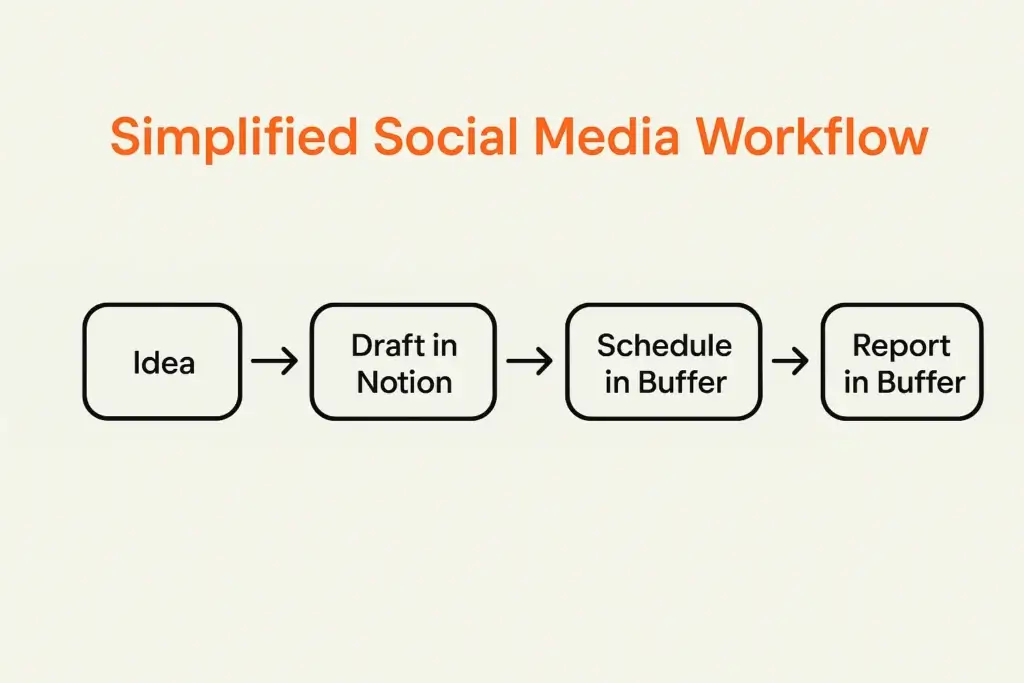
Even with fewer tools, your workflow can still be chaotic. Therefore, the final step is to create a "single source of truth." This should be one place—like a Notion dashboard or a simple project management tool—where your entire team's social media process lives. It should contain your content calendar, creative briefs, and performance reports.
6. Focus on Process Not Platforms
Ultimately, the tools themselves are less important than the process you build around them. A simple, repeatable workflow using only two tools will always outperform a complex, chaotic process using ten. By focusing on creating an efficient system first, you solve the root cause of tool fatigue for good.
Frequently Asked Questions (FAQ)
- What are the main symptoms of social media fatigue for marketers?
The most common social media fatigue symptoms are feeling overwhelmed by the number of tools you use, paying for redundant software subscriptions, and having your performance data scattered across multiple different dashboards. - What is the best way to deal with social media marketing burnout?
One of the best ways to combat social media marketing burnout is to simplify and consolidate your toolset. By reducing the number of platforms, you must manage it can significantly lower stress and improve efficiency. - Is there one social media tool that does everything?
While no single tool is perfect, many "all-in-one" platforms like Sprout Social, Buffer, or Hootsuite come very close. They typically combine scheduling, analytics, a social inbox, and reporting into one subscription.
Tips
- Before you cancel a tool, make sure you have exported any important historical data.
- Ask your team for their input. They may have insights into which tools are most and least useful.
- Look for tools that offer a "free tier" so you can test their core functionality before committing.
- Do a tool audit at least once a year to make sure your tech stack is still efficient.
Warnings
- Don't choose an all-in-one tool just because it has the most features. Choose the one that best solves your specific problems.
- Be aware that migrating to a new tool can take time and effort. Plan for the transition.
- A new tool is not a magic bullet. It cannot fix a broken content strategy.
- Don't be afraid to use a specialized tool for a specific, important job if your main platform can't handle it well.
Things You'll Need
- A list of all your current social media tool subscriptions.
- A clear understanding of your team's core needs (e.g., what jobs are most important).
- A spreadsheet for comparing the features and costs of new tools.
- The willingness to cancel subscriptions that are no longer serving you.