The Problem: 10 tabs, One Marketer
If you’re T-shaped, your day probably looks like this:
- Design in one tool
- Plan content in a spreadsheet
- Build ads in Meta / LinkedIn
- Write an email in another platform
- Report in dashboards
You’re not just doing marketing. You’re doing babysitting tools.
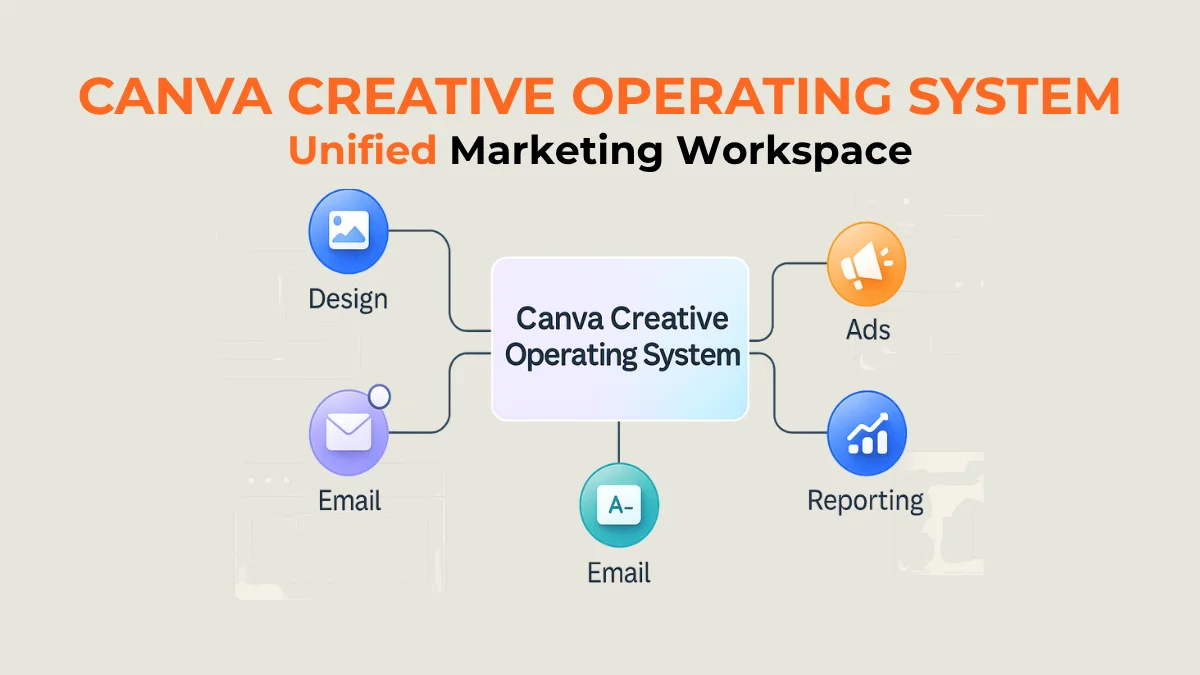
Canva’s new Creative Operating System is built to kill that chaos — turning Canva from a “design app” into a connected marketing workspace where you can create, publish, and track performance in one place.
What Canva Creative OS is (for marketers)
Launched in 2025, the Canva Creative Operating System combines:
- A supercharged Visual Suite 2.0 – presentations, video, docs, websites, whiteboards, forms, Sheets, and even Code.
- Canva Grow – a full marketing platform to design ads, launch campaigns, and track performance in one place, with AI that learns from results.
- A design-focused AI model (Canva Design Model / Ask Canva) that understands layout, brand kits, and campaign structure.
- Affinity by Canva, a professional design suite for photo/vector/layout work, is now free and tightly integrated.
In simple terms:
It’s design, ads, email, and light reporting inside one AI-powered workspace instead of five separate tools.
3 Workflows to move into Canva Creative OS this week
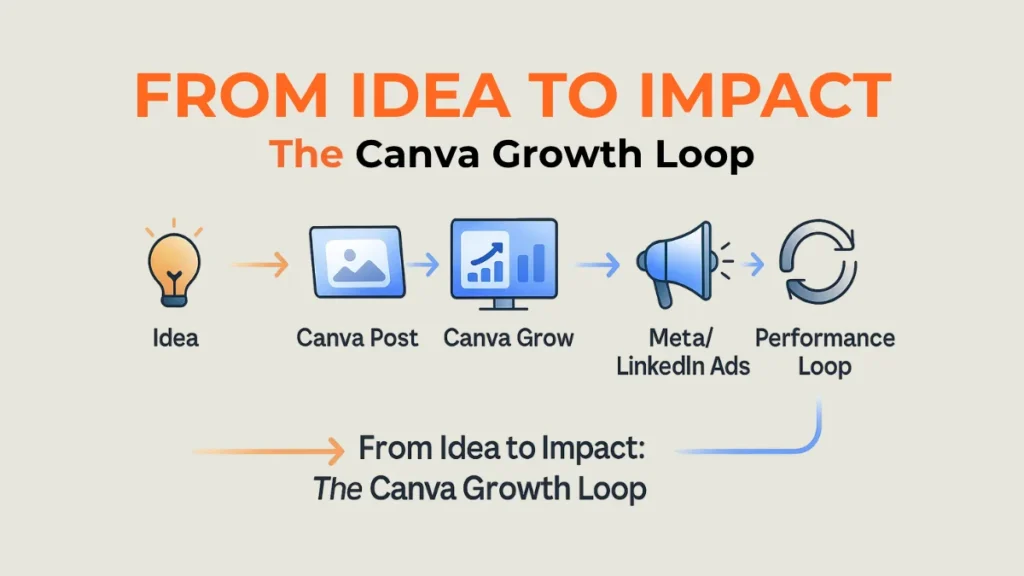
1) Social + ads in one place
- Plan and design organic posts in Visual Suite.
- Use Canva Grow to turn the best posts into ads, then publish them to Meta and other channels from inside Canva.
- Let the AI suggest new creatives and sizes based on performance.
2) Email + landing pages without tool switching
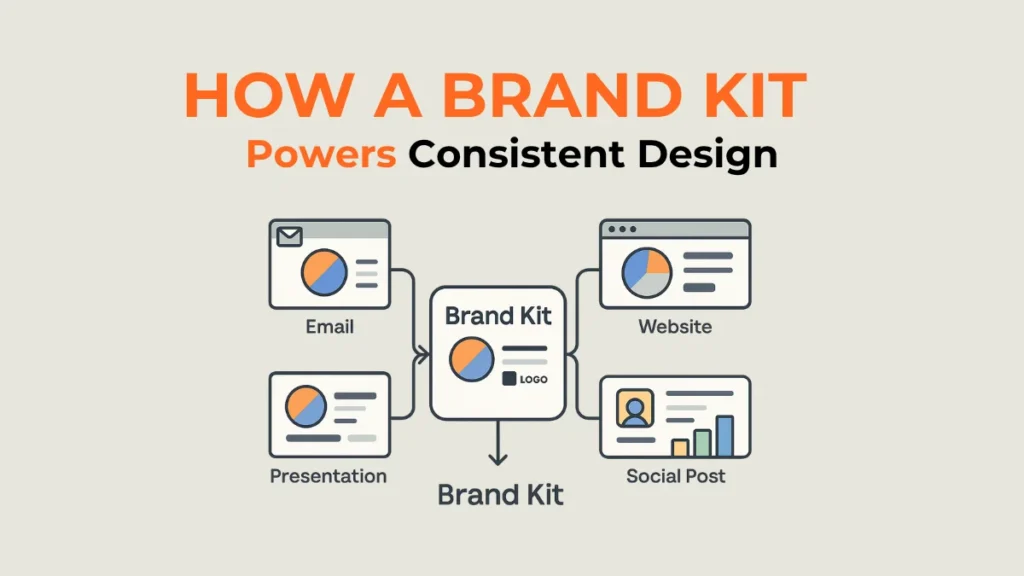
- Use Email Design to create branded campaigns directly in Canva and export HTML to your ESP.
- Reuse the same layout of components (headers, CTAs, imagery) in presentations, websites, and docs with Visual Suite 2.0.
- Keep your brand kit (colors, fonts, logos) in one place, so updates are global, not manual.
3) Performance and creative feedback loop
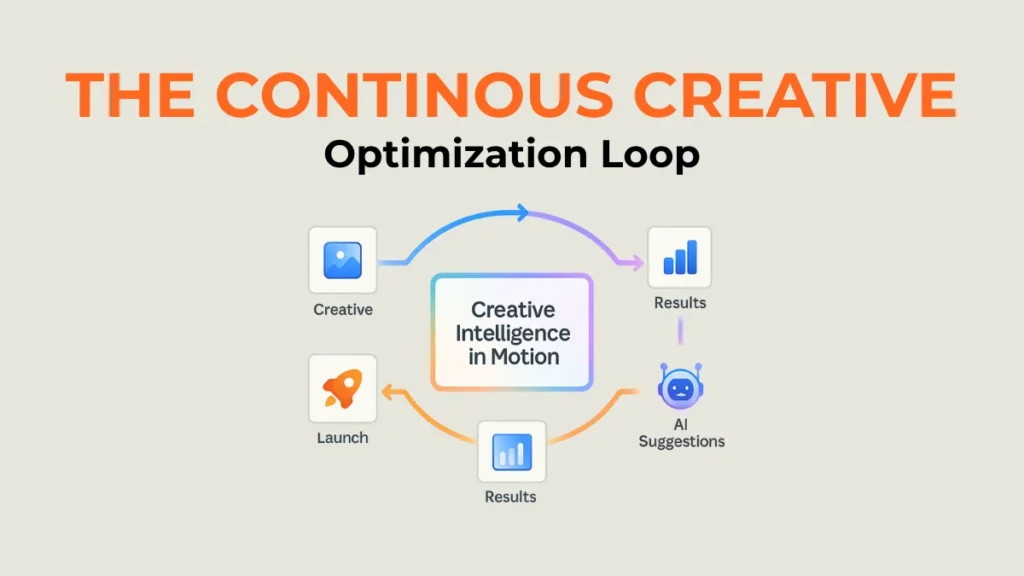
- Connect Canva Grow to your ad account.
- Design → launch → see performance inside Canva → ask Canva what to try next.
- Use Canva Sheets/Code to build a simple dashboard with creative thumbnails and metrics in one view.
Generic tools vs Canva Creative OS
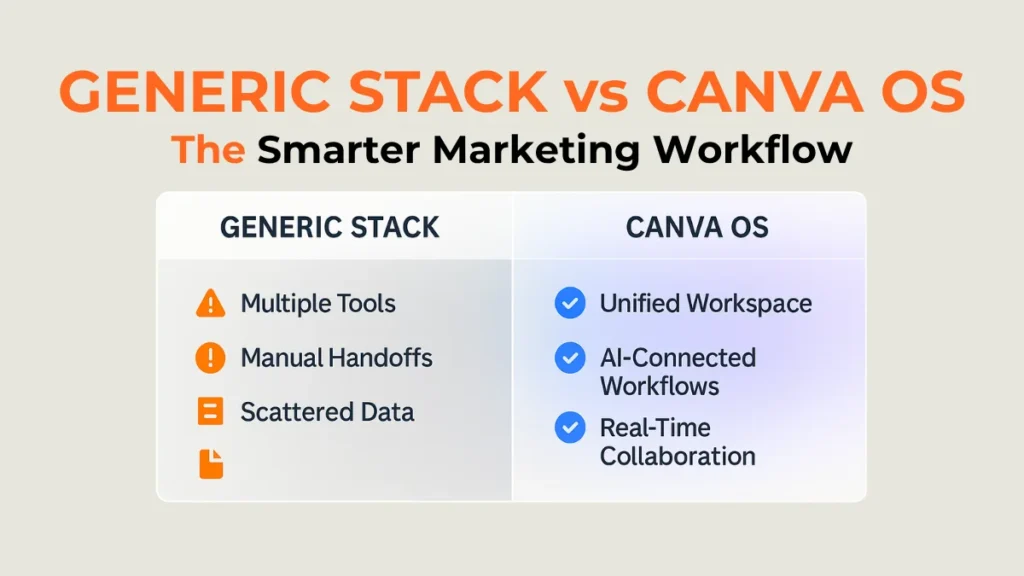
Generic stack (what most marketers use)
Pros
- Best-in-class tools per channel
- Deep features for specialists
Cons
- Constant context switching
- Export/download/upload everywhere
- Harder to keep the brand consistent and on-brief
Canva Creative Operating System
Pros
- One workspace for design, ads, email, and light reporting
- Central brand kit + templates keep everything on-brand
- AI helps with layouts, copy variants, and “next test” ideas
- Affinity is free for pro-level design, integrated into the same ecosystem
Cons
- Might not replace advanced analytics or enterprise ESPs yet
- Teams still need process and permissions, or it becomes “Canva chaos.”
- New OS = learning curve for non-design stakeholders
FAQs
Can Canva Creative OS replace my whole marketing stack?
Not yet. It can centralize creation, basic publishing, and lighter performance tracking, but you’ll still want dedicated analytics, CRM, and sometimes a full ESP for complex journeys.
Is Canva Grow only for big teams?
No. Even small teams can use Canva Grow to design and launch ads, then let the AI suggest optimizations and variants inside the same UI.
What’s the biggest win for a T-shaped marketer?
Fewer tools, fewer exports, and one place to go from idea → creative → live → learn without wasting time or context.
Tips
- Start with one workflow (e.g., organic social → Meta ads) before moving everything.
- Build a Brand Kit first (fonts, colors, logos, tone notes) so AI and templates stay aligned.
- Use Ask Canva for structure and options; let humans do the final pass on copy and creative.
Warnings
- Don’t rely only on Canva numbers for complex attribution; cross-check with GA4 or your main ad dashboards.
- Avoid giving editing access to everyone — assign owners for brand, ads, and reporting.
- AI suggestions are powerful, but you still need human strategy, positioning, and judgment.
Things you’ll need
- A Canva account (Pro or Teams is best for Brand Kit + Grow).
- Access your ad accounts (Meta, LinkedIn, etc.).
- One simple KPI per workflow (e.g., CTR for ads, sign-ups for email).