How To Use MoAI Marketing Suite To Reduce Your Marketing Workload
Your marketing workload continues to grow heavier, and this is precisely where the MoAI marketing suite comes in. More ads, more platforms, more versions — but not more time.
This is the exact problem MoAI was built to solve.
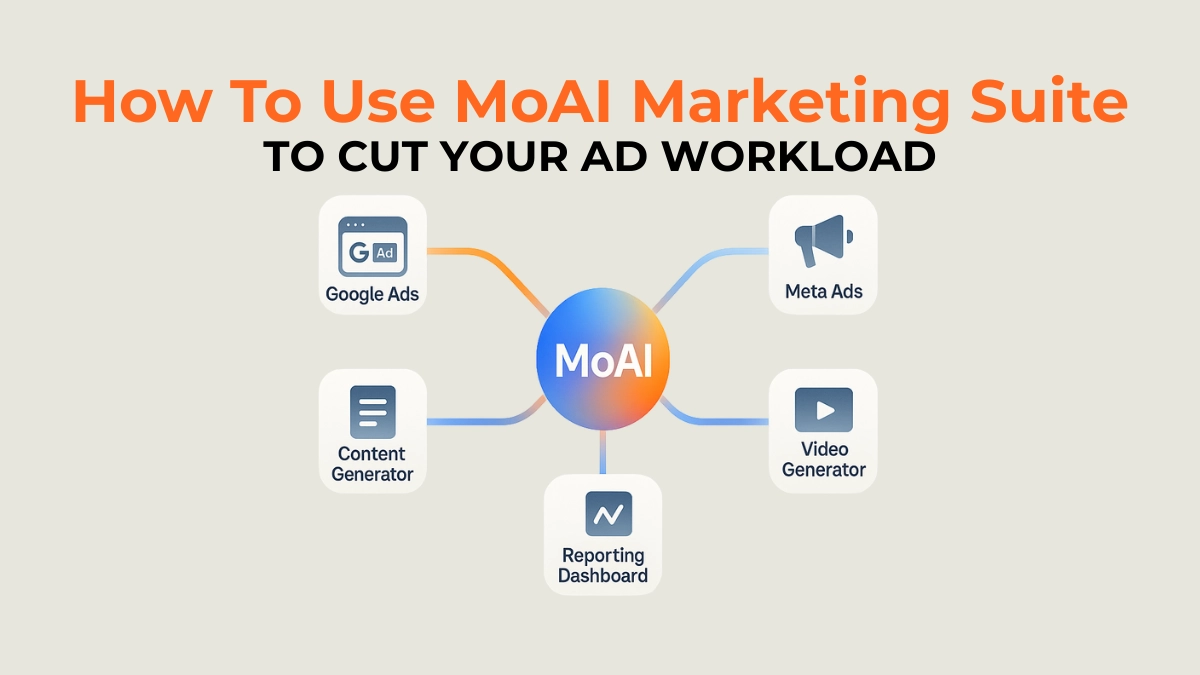
MoAI is a new agentic AI marketing suite that handles ads, content, video, and reporting—automatically. Think of it as having multiple virtual assistants that do multi‑step marketing work for you.
MoAI connects your ad accounts, generates creatives, launches campaigns, monitors results, and even produces reports.
This guide explains how to utilize MoAI to save time, minimize busy work, and enhance ad performance.
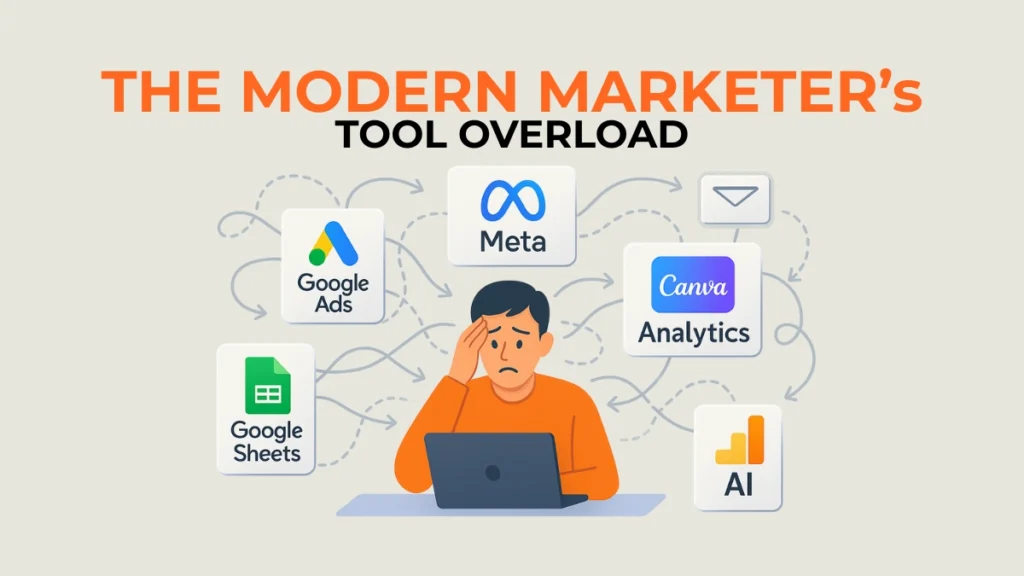
1. The Problem: Too Many Tools, Too Much Busywork
Marketers today are drowning in tasks:
- Creating ad creatives
- Launching campaigns across Google + Meta
- Testing new versions constantly
- Pulling analytics reports
- Managing budgets
Most teams use 7–15 different tools to manage everything.
This slows down output and increases mistakes.
2. The Solution: MoAI As Your Multi‑Agent Marketing System
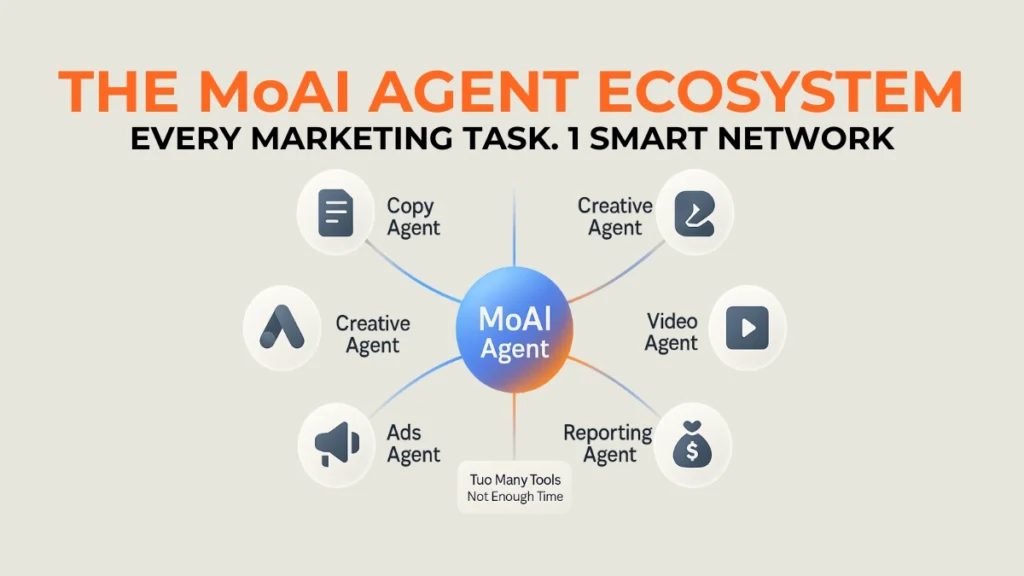
MoAI works differently from normal AI tools.
Instead of giving you single answers, MoAI uses AI agents that perform complex tasks step‑by‑step.
MoAI can:
- Create ad copy and visuals
- Generate short videos
- Prepare campaign structures
- Launch ads on Google and Meta
- Monitor performance
- Adjust budgets
- Generate live reports
You tell MoAI the goal, and its agents build and maintain the workflow.
3. How To Use MoAI in Your Daily Workflow
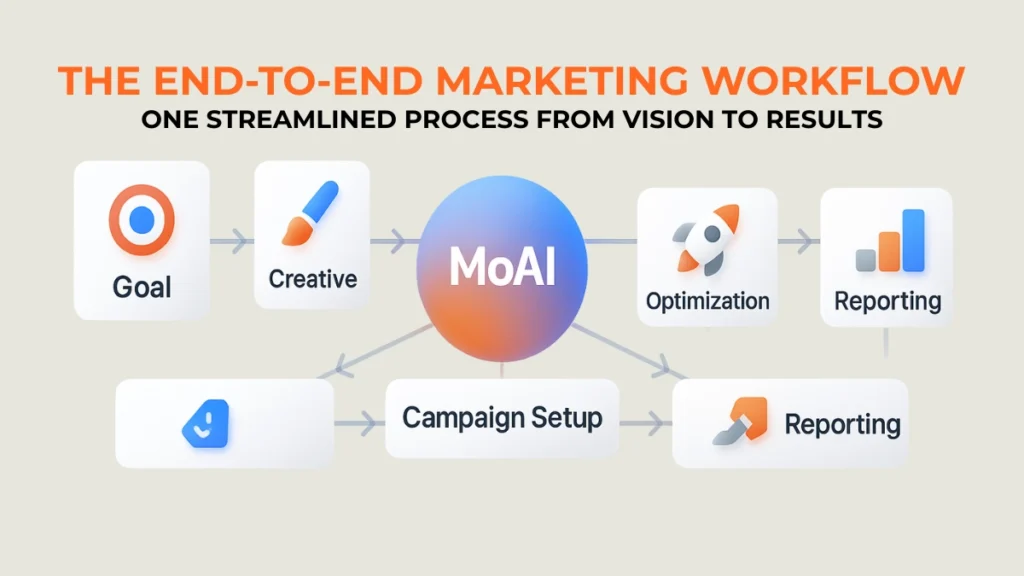
Step 1: Enter Your Campaign Goal
Example goals:
- “Get leads for $8 each.”
- “Increase ROAS across Meta.”
- “Launch a new product campaign.”
MoAI creates a plan instantly.
Step 2: Generate Creatives
MoAI can generate:
- Ad copy
- Images
- Video variations
You can approve or edit before launching.
Step 3: Automate Campaign Setup
MoAI builds:
- Targeting
- Budget split
- Ad groups
- A/B test structures
Step 4: Let MoAI Optimize Automatically
MoAI checks performance and adjusts:
- Budgets
- Versions
- Targeting
- Formats
Step 5: Receive Auto‑Reports
MoAI sends:
- Daily summaries
- Optimization logs
- Winner creative reports
Scale Smarter With BitBop
If you want MoAI to manage a large part of your marketing but don’t have time to set it up, BitBop can help.
We integrate MoAI with your existing workflow, set guardrails, build creative templates, and build automated ad systems.
FAQ's
Can MoAI replace my marketing team?
It reduces manual work but still needs human strategy and approval.
Does MoAI run ads automatically?
Yes. It can generate, launch, optimize, and report on campaigns.
What platforms does MoAI support?
Google Ads, Meta Ads, and some DSPs. More integration is coming.
Tips
- Start with one use case (ads or creatives) and expand.
- Use MoAI to test many variations quickly.
- Keep human reviews for brand tone.
- Use MoAI’s reporting to refine your strategy weekly.
Warnings
- Don’t rely only on AI—add human checks.
- Keep an eye on spending as MoAI optimizes aggressively.
- Make sure your brand guidelines are loaded into the AI.
Things You’ll Need
- Access to MoAI
- Your Google + Meta accounts connected
- Your brand guidelines + asset library
- A clear campaign goal