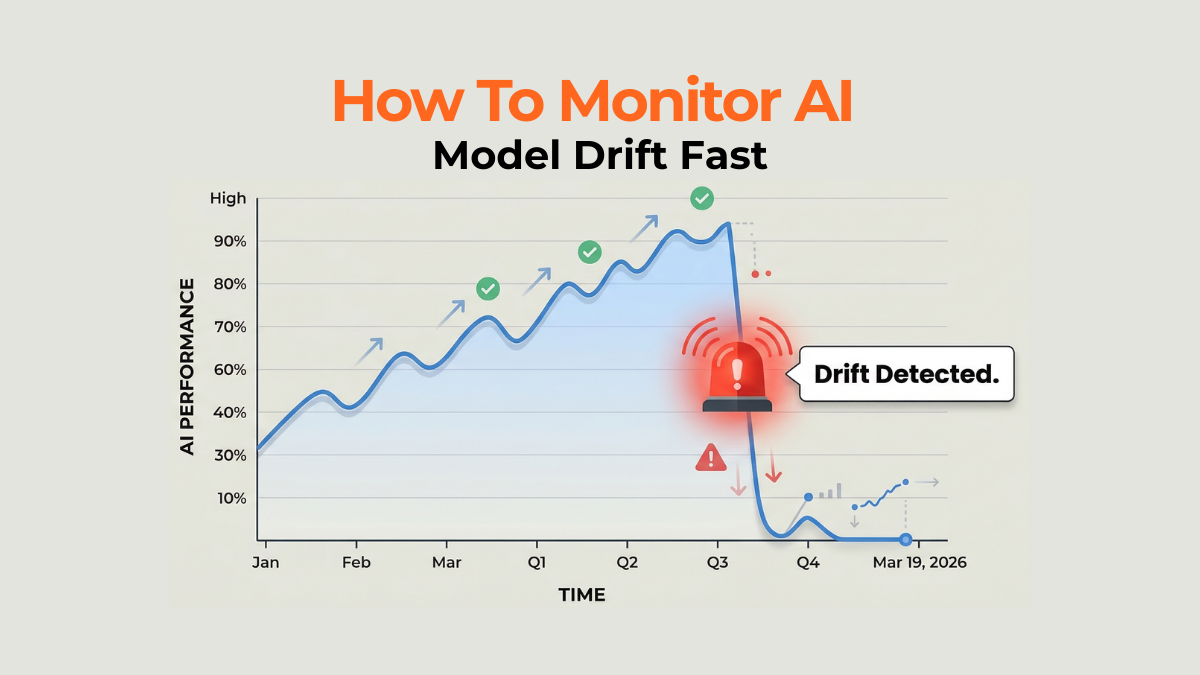
Your custom AI workflows are powerful, but they are not static assets. When an underlying LLM updates silently, your perfectly engineered prompt can suddenly fail, causing CTRs and conversion quality to collapse. Therefore, you must learn How To Monitor AI Model Drift Fast to secure performance.
LLM Update Broke Your Workflow Monitor AI Model Drift Now
The next evolution of AI Marketing Strategies isn't just about writing better prompts; it’s about establishing defensive guardrails. In fact, you need a system that actively measures output quality against a baseline standard. Consequently, mastering Monitor AI Model Drift is non-negotiable for any team relying on AI for critical functions like ad copy or lead qualification.
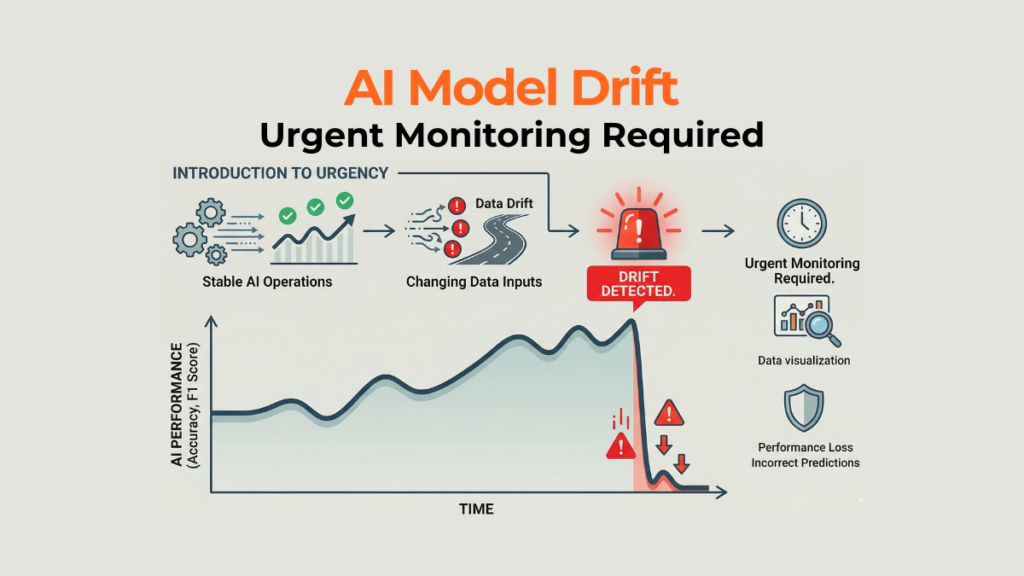
The Core Problem | Silent Performance Decay
First, performance decay is usually subtle, not catastrophic. A prompt that used to return 90% accurate marketing copy might slowly regress to 70% over a month as the model learns new default behaviors. Furthermore, this gradual degradation often goes unnoticed until budget KPIs are seriously missed.
Phase One | Establishing Your Performance Baseline
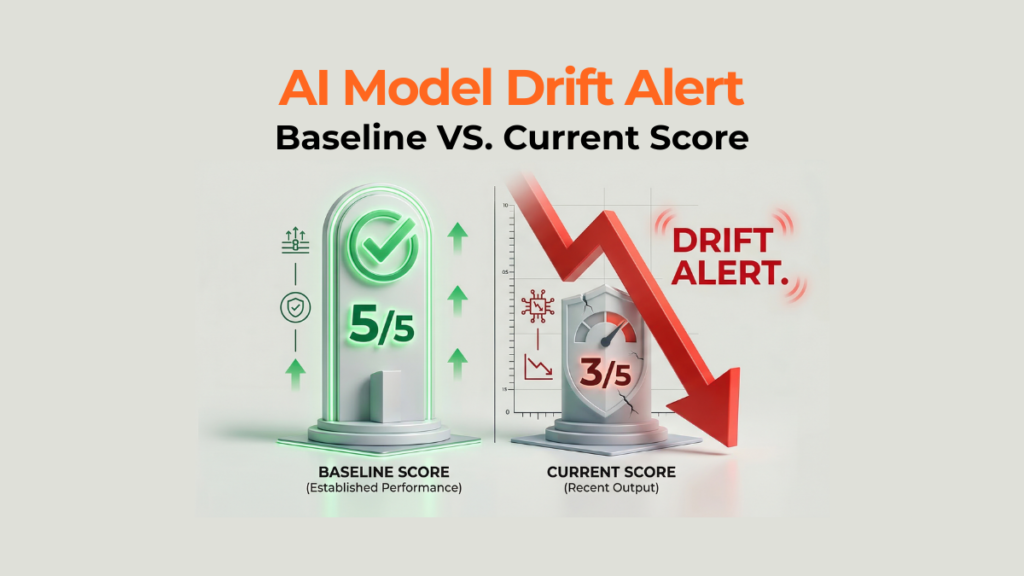
Next, you must define what "success" looks like today. For every critical AI task (e.g., meta description generation), create a small, controlled set of 10 benchmark inputs. Run these inputs through your live workflow weekly and record the output quality score (e.g., a human scores accuracy 1-5). This set is your baseline standard.
Phase Two | Implementing Drift Detection Monitoring
This step automates the check. You need a process that compares the current output against your baseline set. For instance, use a simple Monitoring Tool that runs the 10 benchmark prompts daily or weekly. If the average score drops by more than 10% from the baseline, trigger an immediate alert. This is the essence of learning How To Monitor AI Model Drift Fast.
Phase Three | The Rollback Strategy
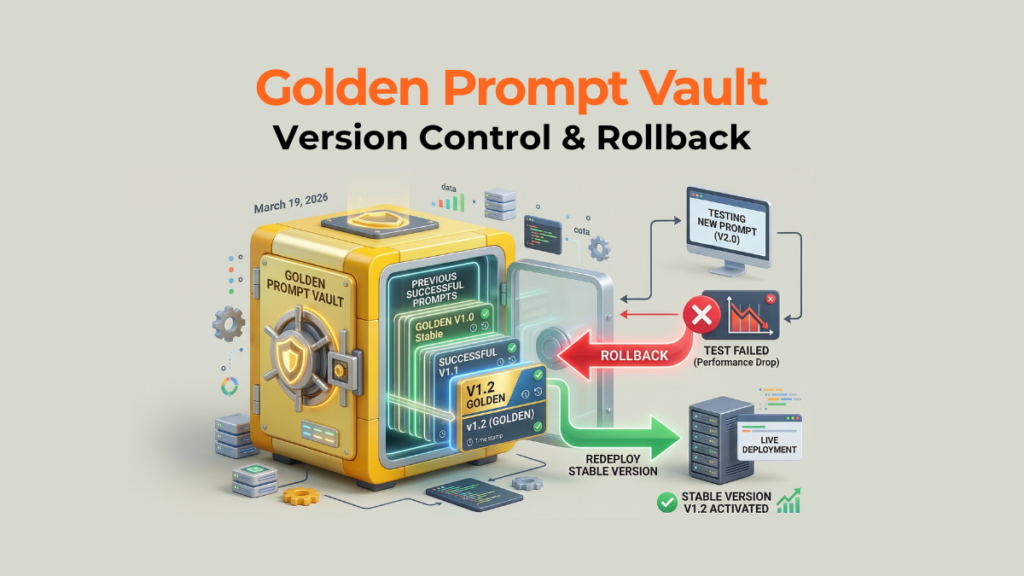
Once a drift is detected, you need an immediate plan. Your fallback is keeping the last known good version of the prompt, the model version, and the output saved securely. This allows you to instantly roll back the faulty workflow while you diagnose the cause. Therefore, rigorous version control is non-negotiable when you Monitor AI Model Drift.
Scaling AI Workflow Integrity
To make this process sustainable, assign clear ownership for the Monitor AI Model Drift process—it should sit with the workflow manager, not just the prompt engineer. Furthermore, schedule mandatory "Prompt Regression Tests" quarterly, even if performance hasn't dipped, to proactively catch slow decay.
Frequently Asked Questions (FAQ)
Are AI tools required for this?
Yes, implementing automated checks requires a monitoring layer, often built using API calls or specialized LLM Ops platforms.
How quickly can I see the results?
You will see the speed of diagnosis improve immediately; measuring actual drift detection depends on the update cadence of the model you are using.
Does this replace general AI testing?
No, this is specific regression testing. You still test new prompts, but this protects your established, high-performing workflows.
Tips
Document the exact model's name and API version used when you create a "golden" prompt.
Set the alert threshold conservatively (e.g., 10% drop) to catch issues early.
Creating synthetic "stress test" prompts that challenge the model's known weak spots to test its current limits.
Warnings
Never assume a model update is backward-compatible; always test critical workflows post-update.
Do not rely solely on the LLM vendor's performance claims; verify everything with your own baseline tests.
If you use multiple models, you must Monitor AI Model Drift independently for each one.
Things You'll Need
A defined, quantifiable success metric for every AI output (e.g., CTR, accuracy score, character count).
A simple logging/alerting system (e.g., Google Sheets + Zapier, or a dedicated monitoring service).
A rollback script or documentation is ready for immediate deployment.